
test blog
August 11, 2025
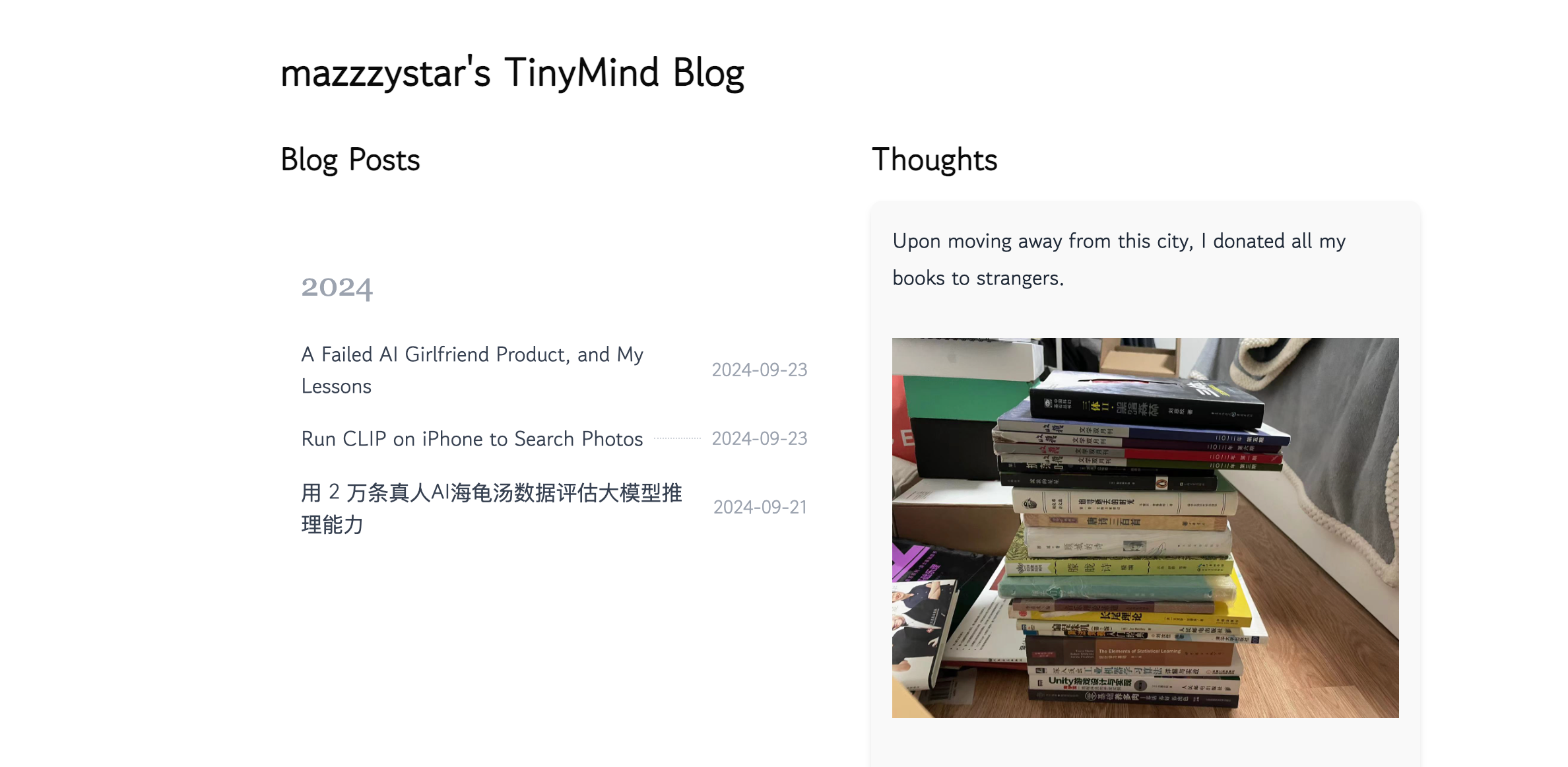
Turn your GitHub into a blog & memo data storage place with one-click Sign in. No server needed - every input automatically syncs to your GitHub repository. https://tinymind.me
Demo Page
Usage
MacOS version packaged using Pake:
How It Works
- You authorize Tinymind to read/write your public GitHub repositories.
- Tinymind immediately creates a public repository named
tinymind-blogin your GitHub account. - When you write anything on Tinymind, it automatically commits to your
yourname/tinymind-blogrepository.
Your data is stored on your GitHub repository, separate from Tinymind.
Data Privacy & Permissions
Your data remains secure:
- Stored directly in your GitHub repository
- Only write access to public repositories
- Full control via your GitHub account
Features in Development
- Blog and Thoughts support Markdown
- Add a feature to let writers manage their own blogs (add, delete, edit posts)
- Supports user drag-and-drop image uploads
- Shareable user main pages (e.g., tinymind.me/mazzzystar)
Creator List
If you use Tinymind for blogging or writing thoughts, feel free to comment below this issue(https://github.com/mazzzystar/tinymind/issues/18) to share your homepage URL for others to discover your work! 🎉
Tech Stack
Built with cutting-edge technologies:
- Next.js
- React
- TypeScript
- NextAuth.js
- Tailwind CSS
Contribute
We welcome contributions! Feel free to submit a Pull Request or open an issue for discussion.
Support
Report issues or suggestions: New Issue.
LICENSE
MIT License